
For someone in Unionville looking for a hardware store, the phone number and street address on a Google listing are what they call or drive to. Where those details differ from your website or your sign, work out which one is current, then bring the others into line with it.
Those details don’t come only from the owner. Google’s page on how it sources business information lists four origins, and owners are one kind of contributor inside a single item.
The sources Google names:
- Crawled web content, including the business’s official website
- Licensed data from third parties, unnamed by Google
- Contributions from users, owners among them: facts such as addresses and phone numbers, plus photos and reviews
- What Google learns from its own interactions with the business
What should the listing match? One business, one place, one phone, field by field. Name: whatever the storefront, website and stationery say, and what customers call you. Address: precise, never a P.O. box, a remote mailbox or a virtual office (a mailing address the business doesn’t work from); where the address shows, a permanent sign with the business name belongs there. Phone: a number that reaches your individual location and that the business directly controls.
One that serves customers where they are, such as the plumber working from home in Google’s example, should clear the address so only the service area shows. The switch sits in Edit profile > Location: choose Edit beside Business location, turn off Show business address to customers, then Save.
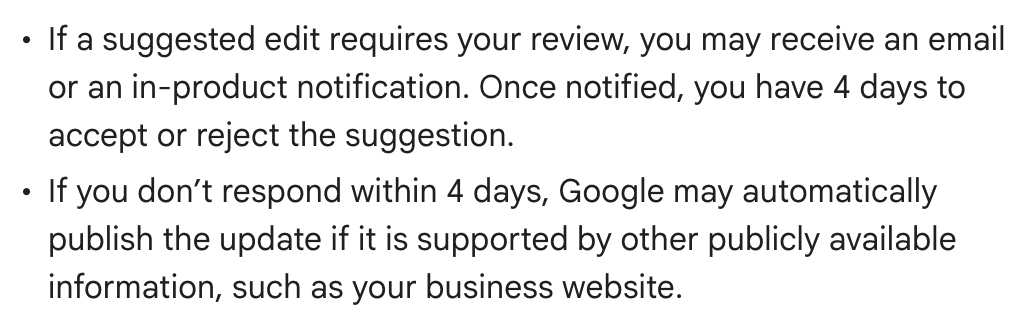
The public can suggest changes as well. When Google flags one, the notice comes by email or inside the profile and starts a four-day window to accept or reject. Google lists no clicks for answering, only a notification at the top of the profile page and blue text in the editor marking whatever it changed.
What’s at stake. Once the window closes, Google says it “may automatically publish the update if it is supported by other publicly available information, such as your business website.” Some edits, it adds, may be applied with no review by you. There is a search cost too: according to Google’s ranking tips, a profile with inaccurate details “might not show up for relevant searches in your area.”
The mistake to avoid. Correcting the listing after a move or a number change and leaving the old details on the website, which is exactly what Google cites as support for publishing an unanswered edit.
Our advice: treat no single place as automatically correct. Fix the listing, the website or the sign, whichever is behind, and deal with a flagged edit on the day its notice comes. The Google pages behind this guide never mention outside directory sites, so neither do we.
How to fix it. From the Google account that manages the profile, search “my business” and choose Edit profile (anyone not yet an owner or manager should first read our guide to claiming a Google listing, No. 1). Location holds the address and Contact the phone number. Expect roughly 10 minutes for an edit to appear, occasionally up to 30 days.
A two-minute check. Open your listing, then your website’s footer and contact page. Write down every spot where they don’t show the same business, place and phone, and next to each, which version is true.
The Standard: An edit you ignore for four days may go live if your website seems to support it. Keep the website and the listing pointing to the same business, place and phone.
Source: Google Business Profile Help, “Understand how Google sources & uses info in Business Profiles & local search results,” “Understand Google updates on your Business Profile,” “Guidelines for representing your business on Google,” “Manage your business address,” “Tips to improve your local ranking on Google,” “1. Add your phone number” and “Find your business on Google,” read Sept. 24, 2026.